Screens
Bigorna on the FM-1's screen, as the firmware draws it. The screen is made for reading at a glance: few words, very large type, high contrast, and a colour for each track.
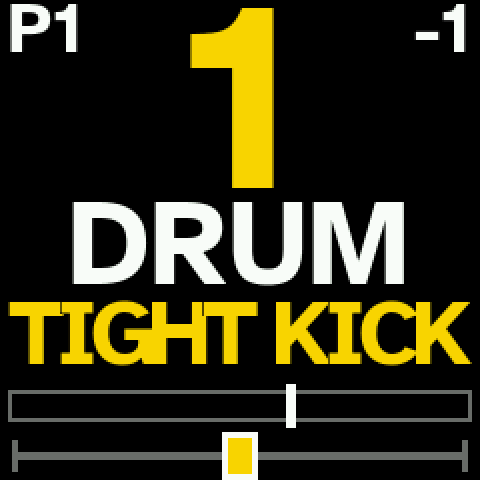
The track view
The chosen track's number, in its colour; its machine (DRUM) and its sound's family (TIGHT KICK). Top left, the pattern playing; top right, the track's octave. Below, the track's level with its meter, and its pan.
HOME draws a new sound of the machine; PRESETS changes the machine; the white keys play the track.
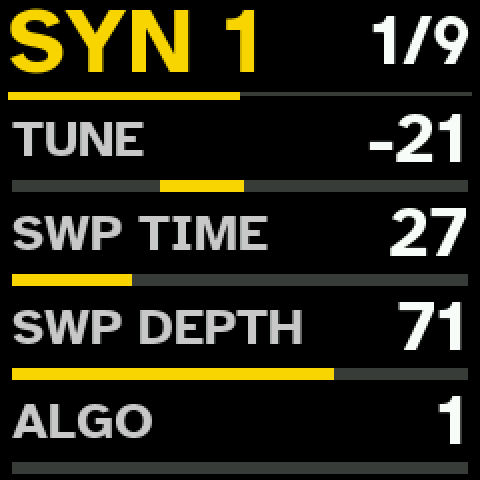
A sound's page
EDIT shows the sound's pages, eight parameters each, as on the Digitone II: here DRUM's SYN 1 — TUNE, the pitch sweep's time and depth, the algorithm. 1/9: the first of the sound's nine pages.
KNOB 1 to 4 set the four rows shown; PRESETS turns to the other four; OCT− and OCT+ move between pages.
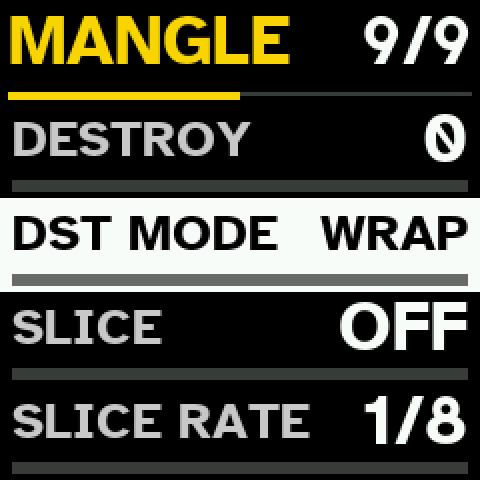
MANGLE
The last of the sound's pages: digital destruction — DESTROY and its mode (WRAP, XOR, FLIP, DROP) — and a slicer gate synced to the tempo, with its pattern, rate, depth, edge and shift.
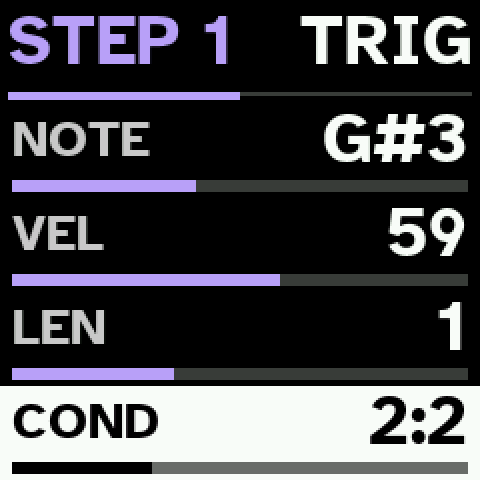
A step's own page
In the step view, with TRIG on, a step held shows its note, velocity, length and trig condition — here 2:2, the second time of every two. Turned right, its ratchet. A step can also hold up to eight parameter locks, and on its MOD page MUTATE and a MIDI FX.
The compressor and the sidechain
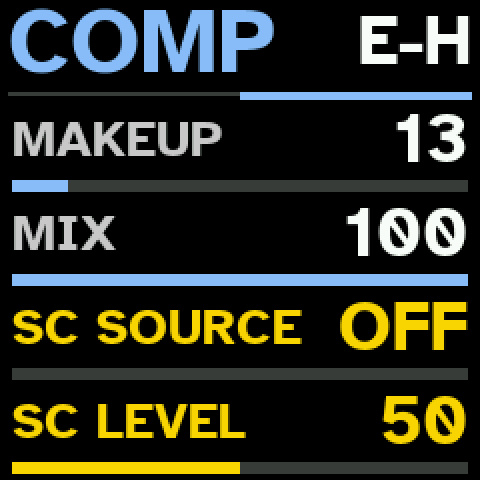
SEQ shows the effects: CHORUS, COMP, DELAY, REVERB. On COMP's second half, after MAKEUP and MIX, the chosen track's sidechain in its colour: SC SOURCE, the track whose hits duck it, and SC LEVEL, how deep — up to a gate.
Patterns
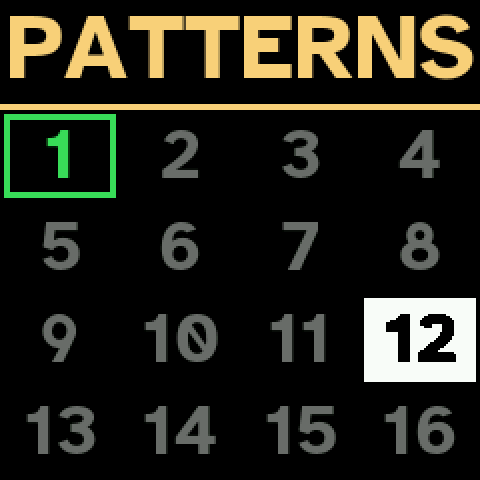
ARP shows the session's 16 patterns. The one playing is framed; PRESETS moves the choice. The white keys are the patterns too: a key loads its pattern, in time with the sequencer; held, it copies one to another.
CHORD mode
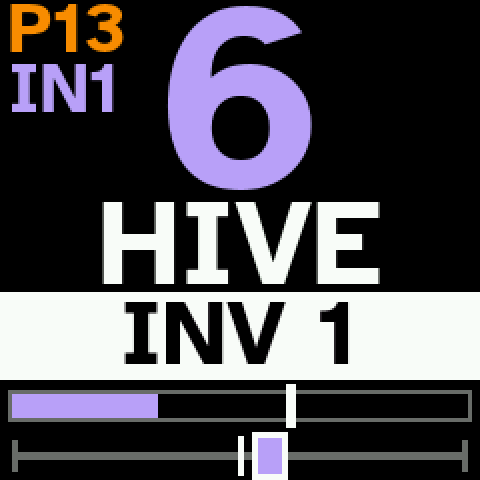
With CHORD mode on, each white key plays a triad in the scale. The form shows at the top left (IN1: the first inversion), here just chosen with SHIFT and the first black key. Chords go into the steps and the loops.
The looper
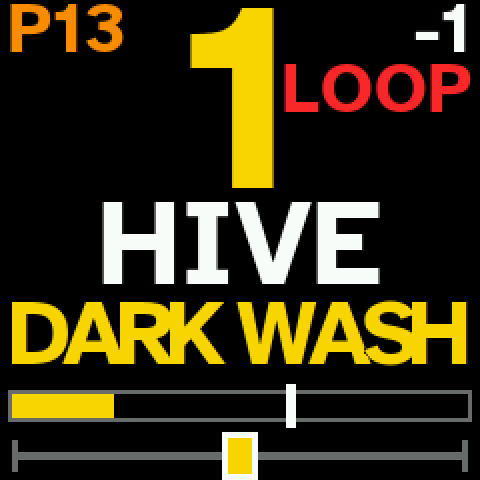
SHIFT + REC arms a loop on the track; the first note starts it. While it records, LOOP shows in red. REC ends it, and it plays round in its own length over the track's steps — three loops a track.