Screens
The Brick's 1024 × 768 screen as Amalthea draws it: straight to the framebuffer, in its own typeface (Oxanium), with no UI toolkit.

Amalthea
Start
The boot screen: the horn of plenty. Every start is blank and stopped.
Amalthea
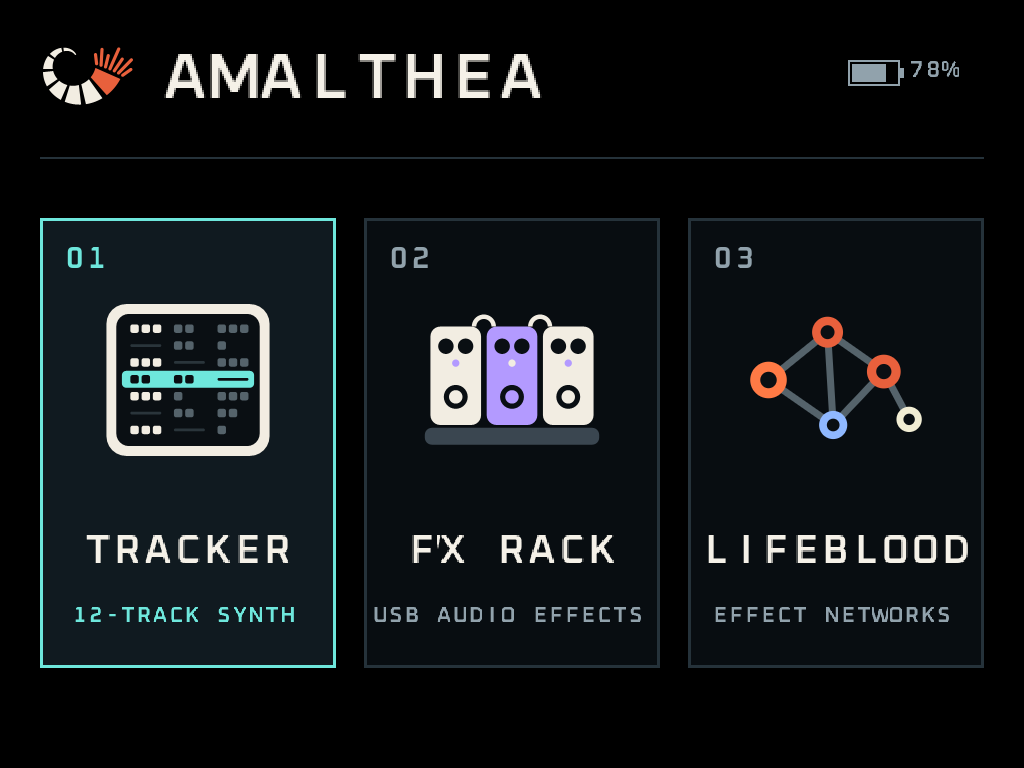
Home
A tile for each instrument on the platform. The battery charge top right.
Tracker
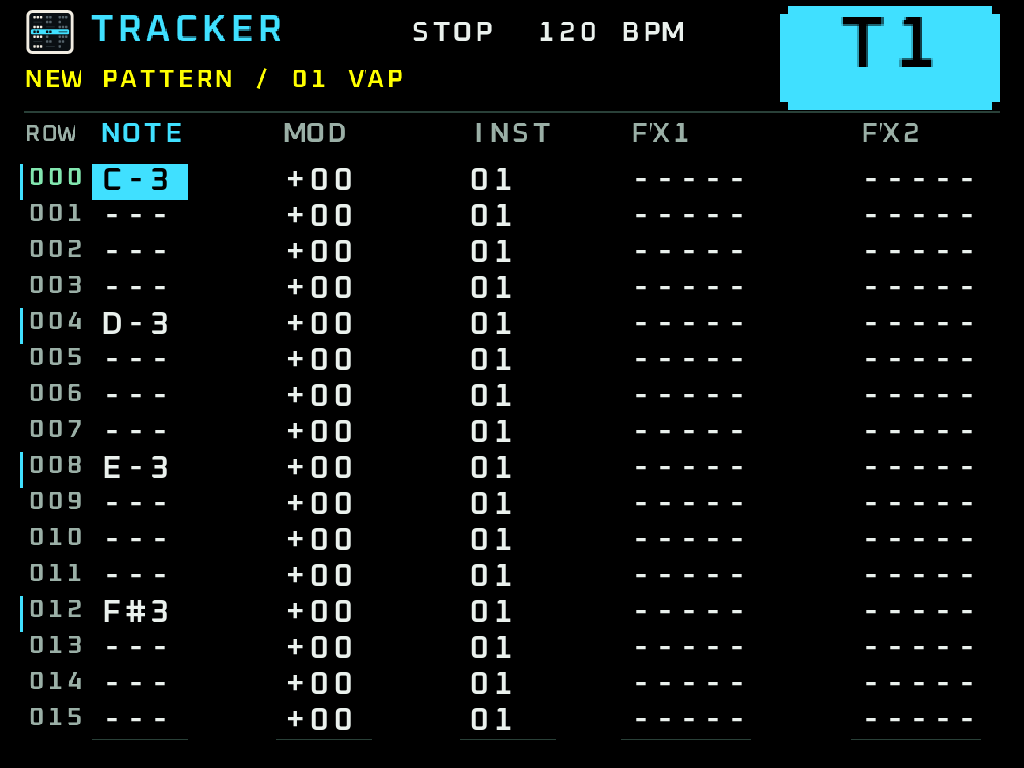
Pattern
Five columns, sixteen rows (or eight larger ones). The track number, large, in its colour.
Tracker
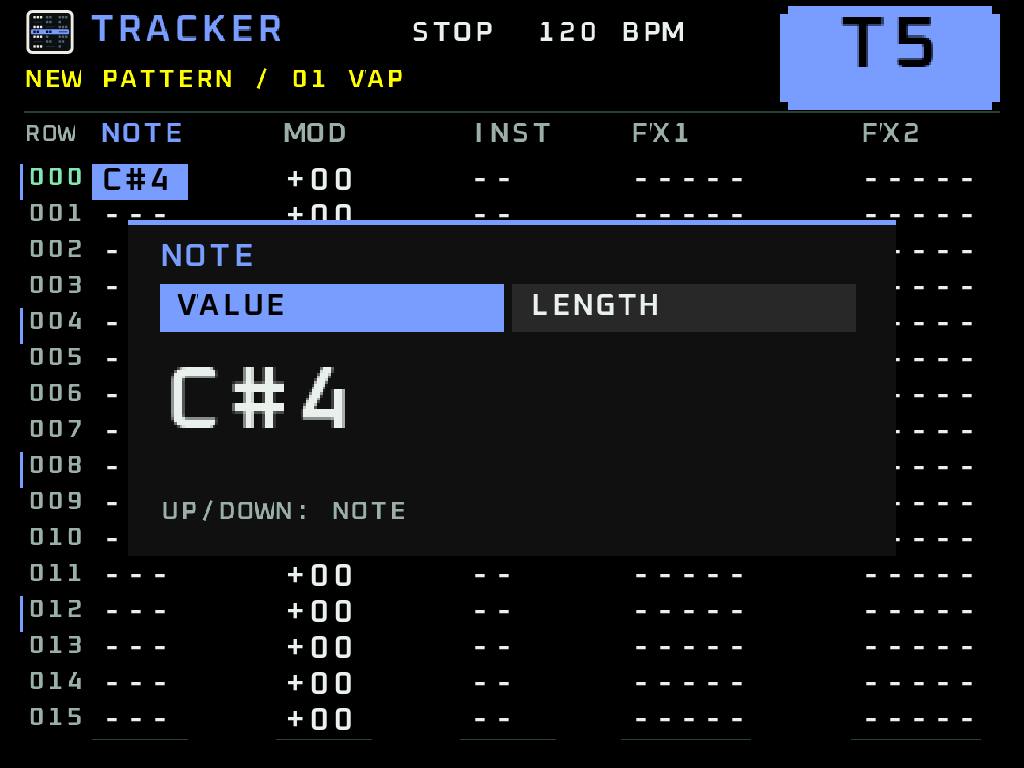
Editing a note
Every edit is shown large and auditioned at once; nothing is stored until Enter. F1 / F2 browse the note's tabs: length, pan, volume and the sends, each with its own condition.
Tracker
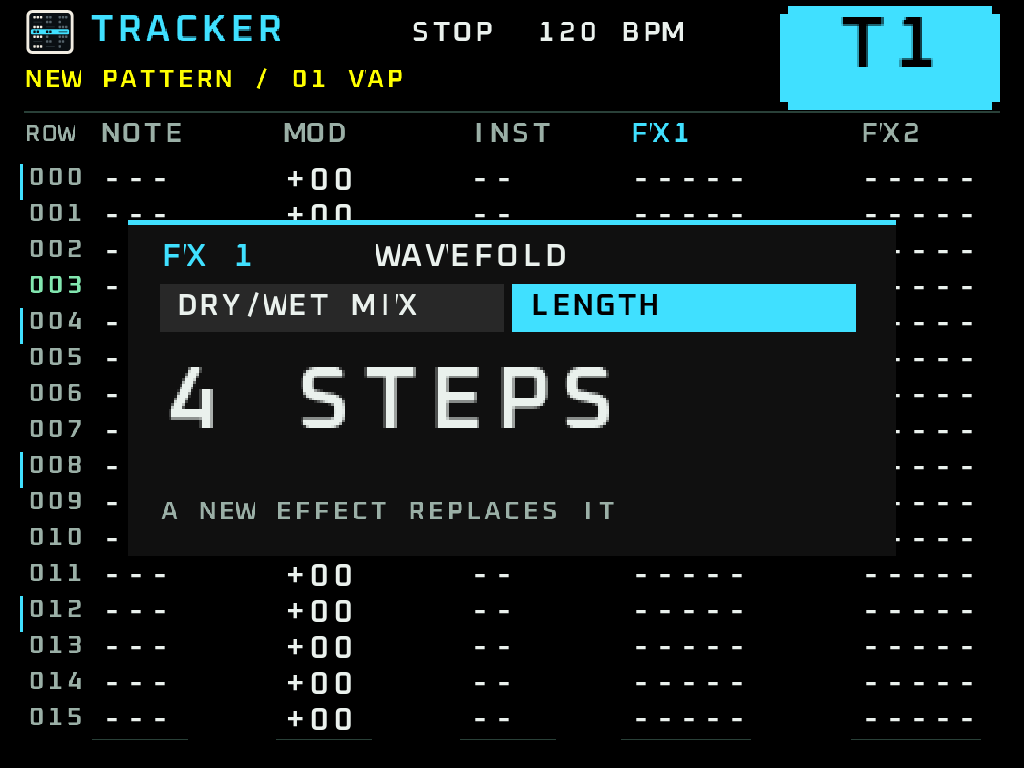
An effect on the FX column
WAVEFOLD on FX 1, its dry/wet mix and its LENGTH: the effect keeps its slot over the next four rows.
Tracker
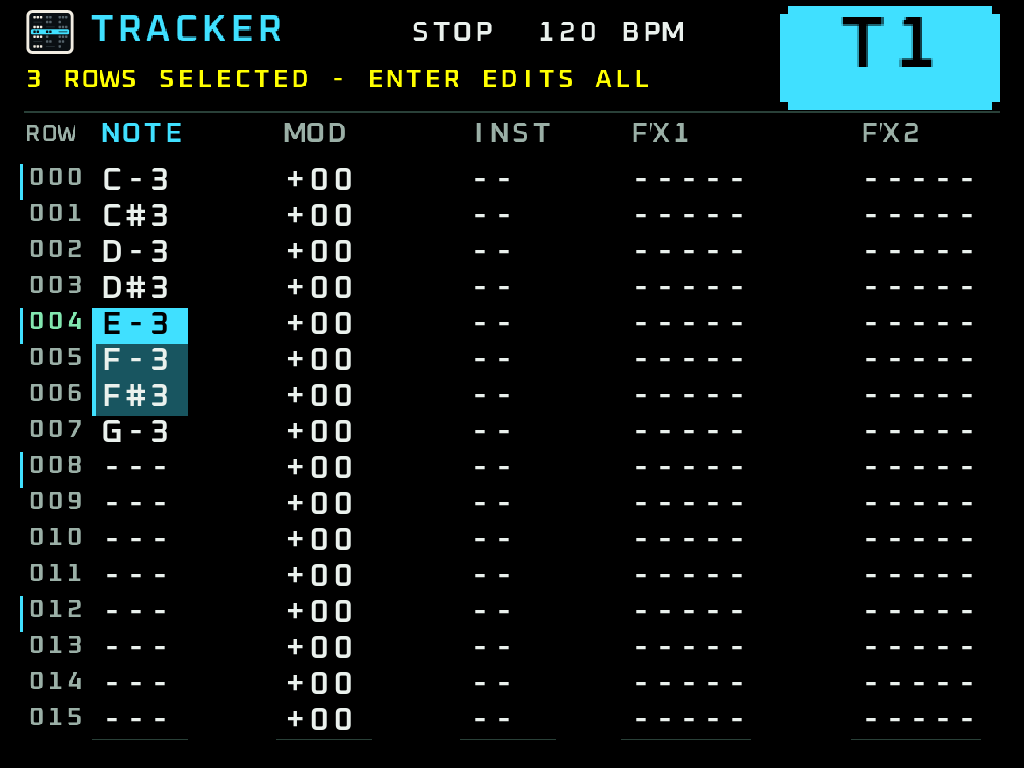
Selecting rows
FUNC + F1 / F2 selects rows; Enter edits all of them at once, ERASE clears them.
Tracker
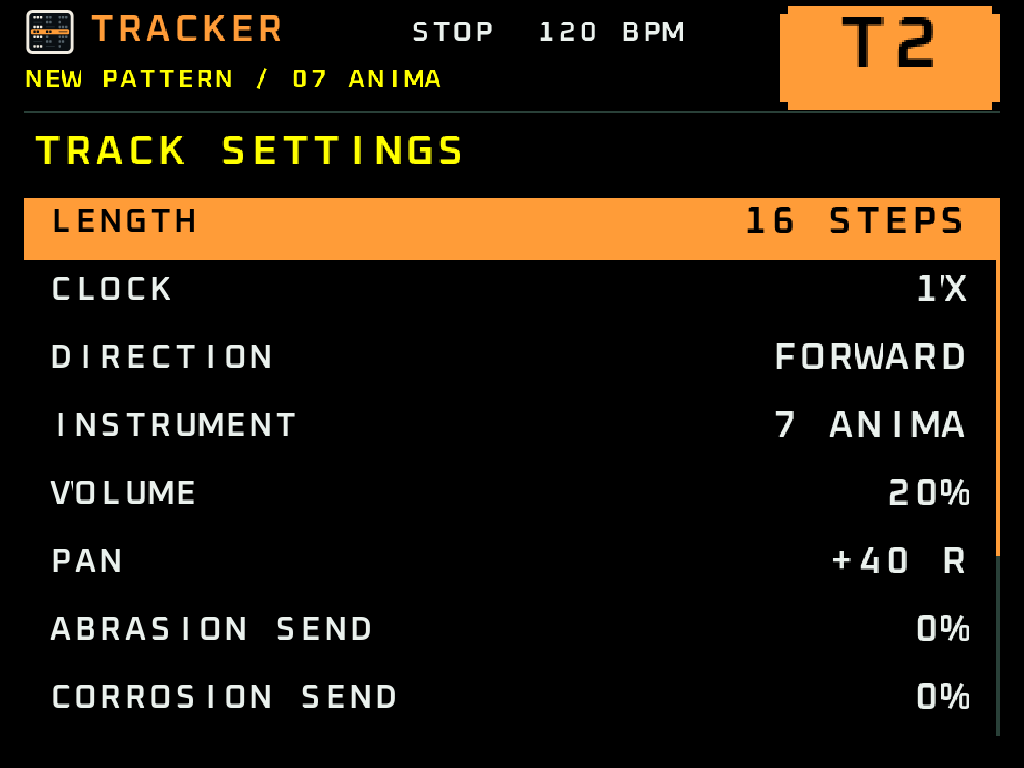
Track settings
Length, clock, direction, instrument, volume, pan and the sends, per track.
Tracker
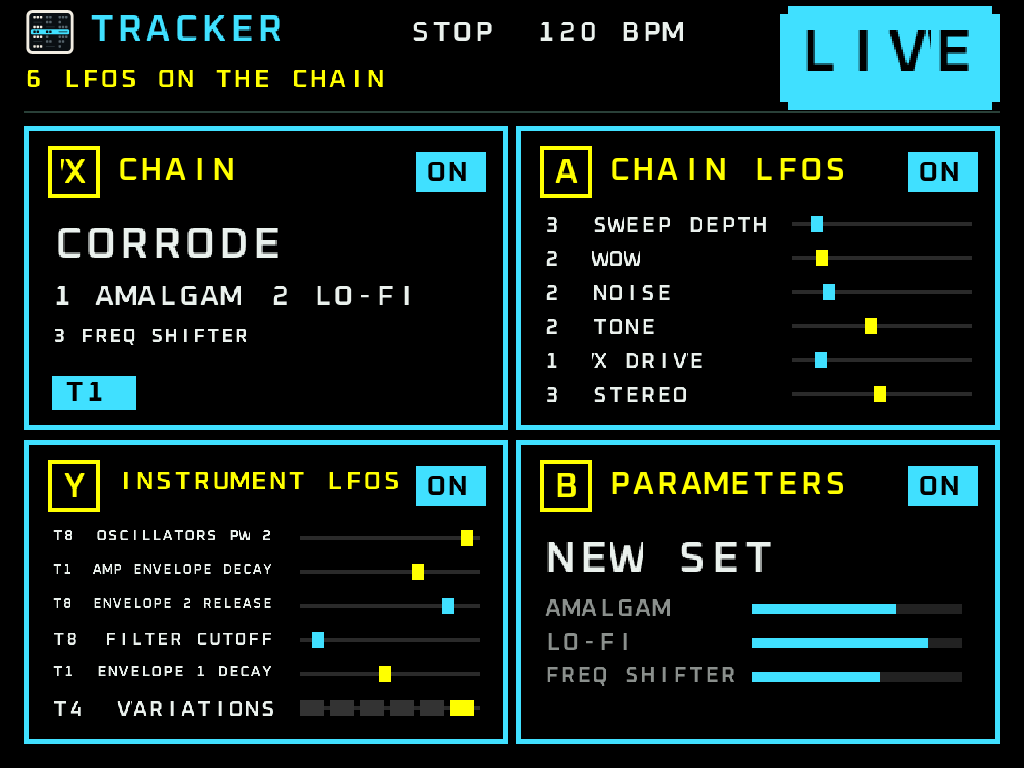
PERFORMANCE mode
Y enters it. X a chain of effects, B new parameters, A LFOs on the chain, Y LFOs on the instruments; nothing is written to the pattern.
Tracker
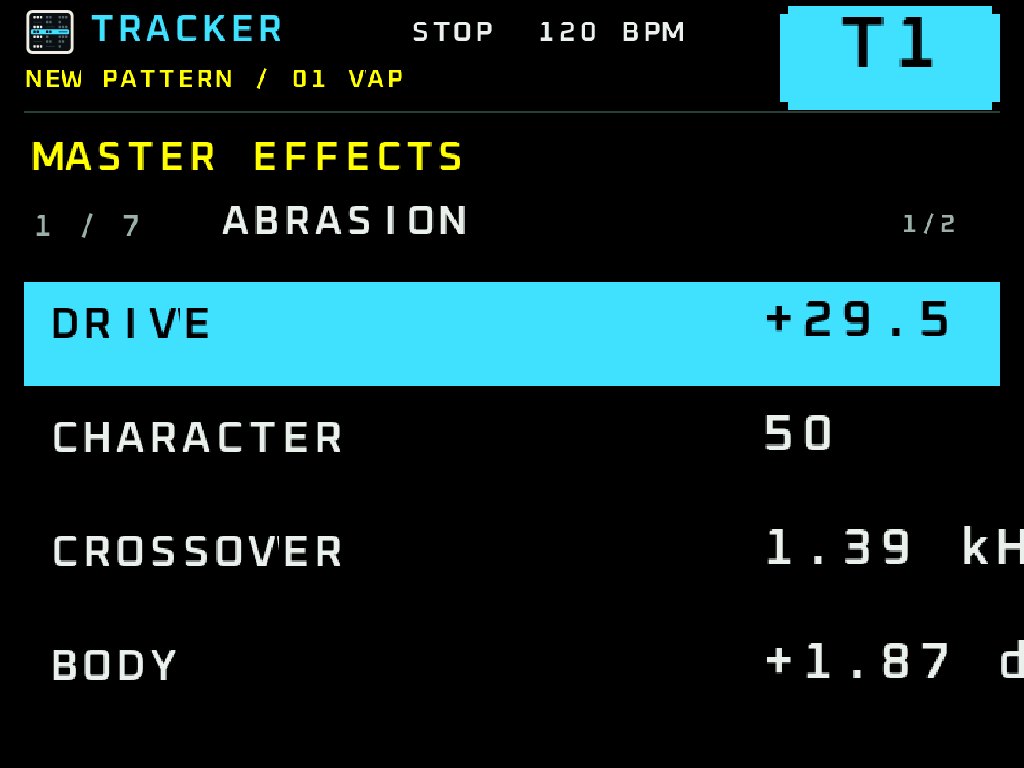
Master effects
ABRASION, CORROSION, MODULATION, compressor, delay, reverb: values in real units.
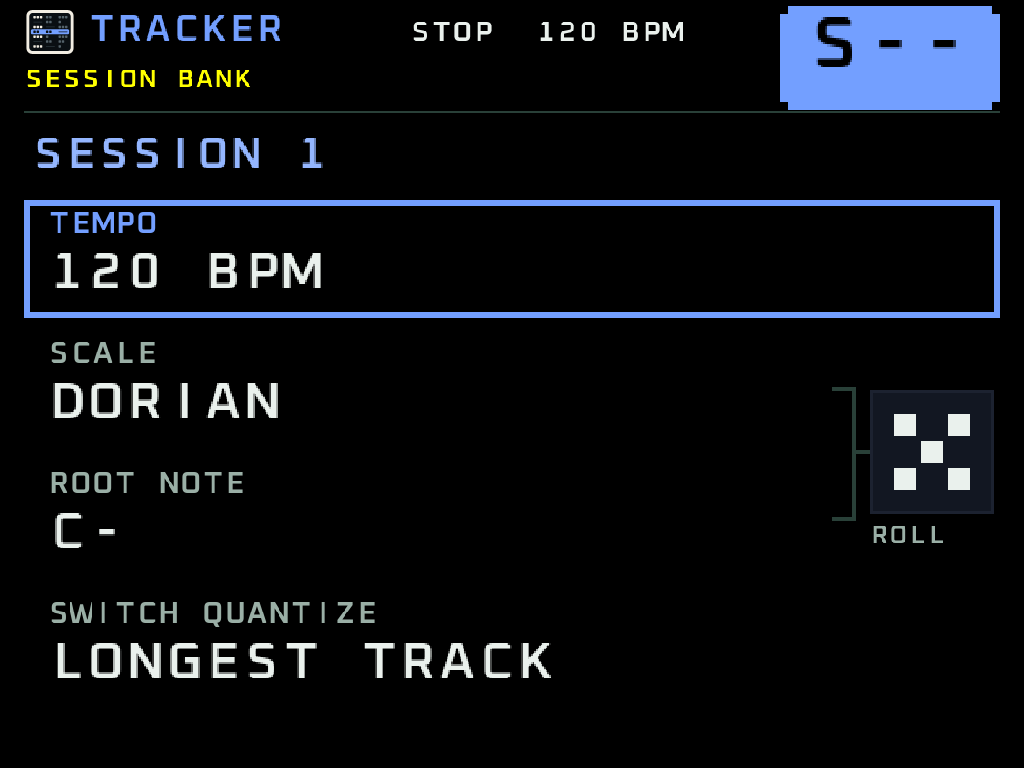
Tracker
Session settings
Tempo, scale and root (with a die for a new pair), and when queued patterns switch.
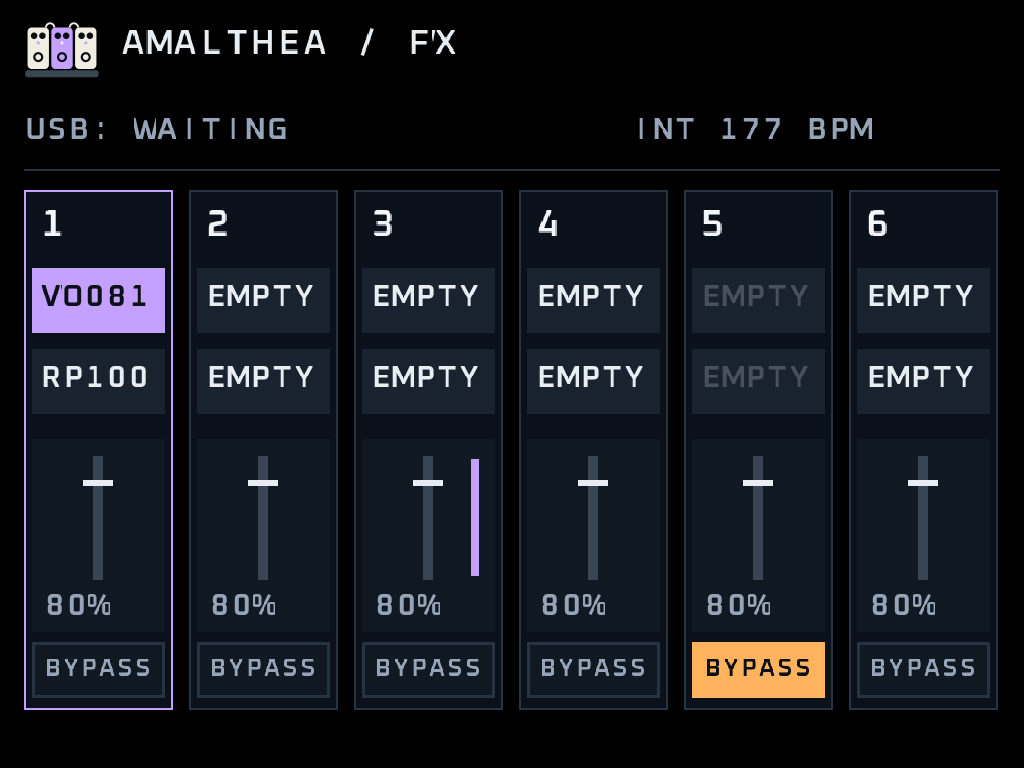
FX Rack
The rack
One strip per FM-1 track: two insert slots, level and bypass.
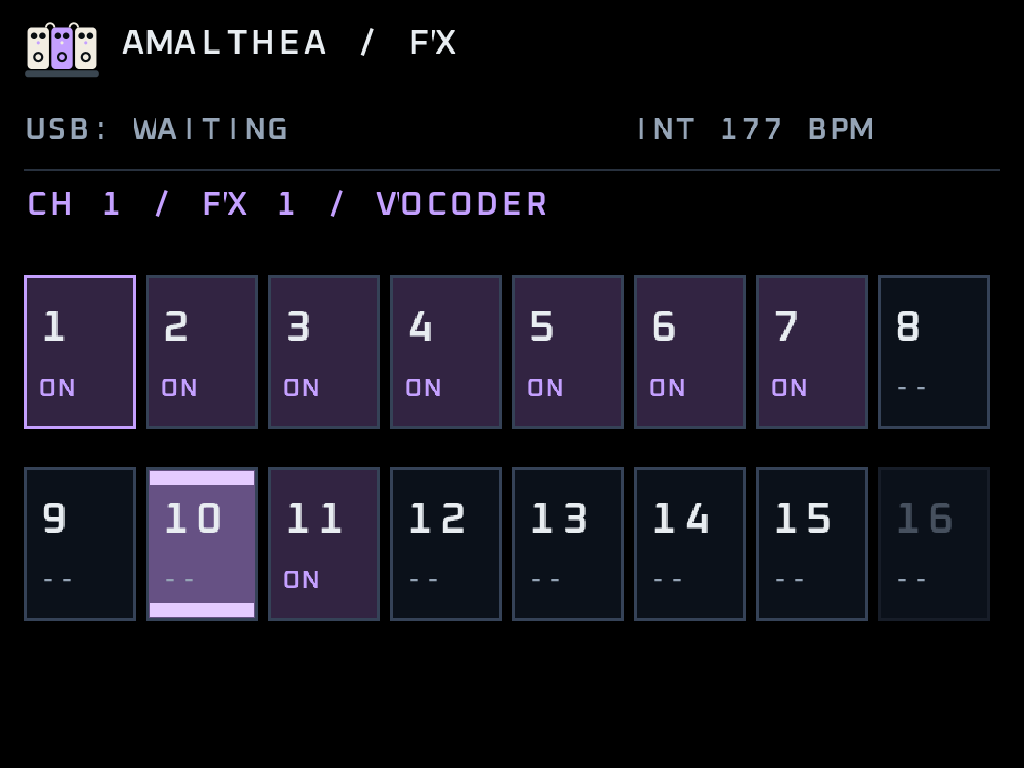
FX Rack
Slot sequencer
Sixteen steps per slot, in two rows; the lit step follows playback.
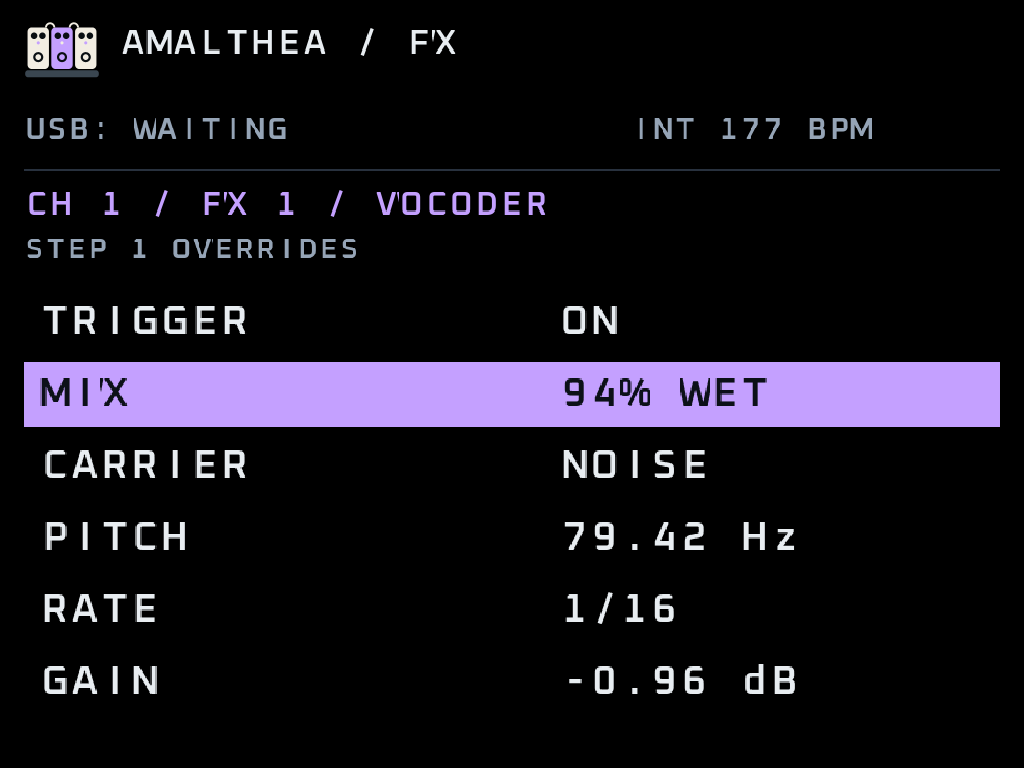
FX Rack
Parameter locks
A step's own values for the slot's effect; unlocked values follow the slot's defaults.
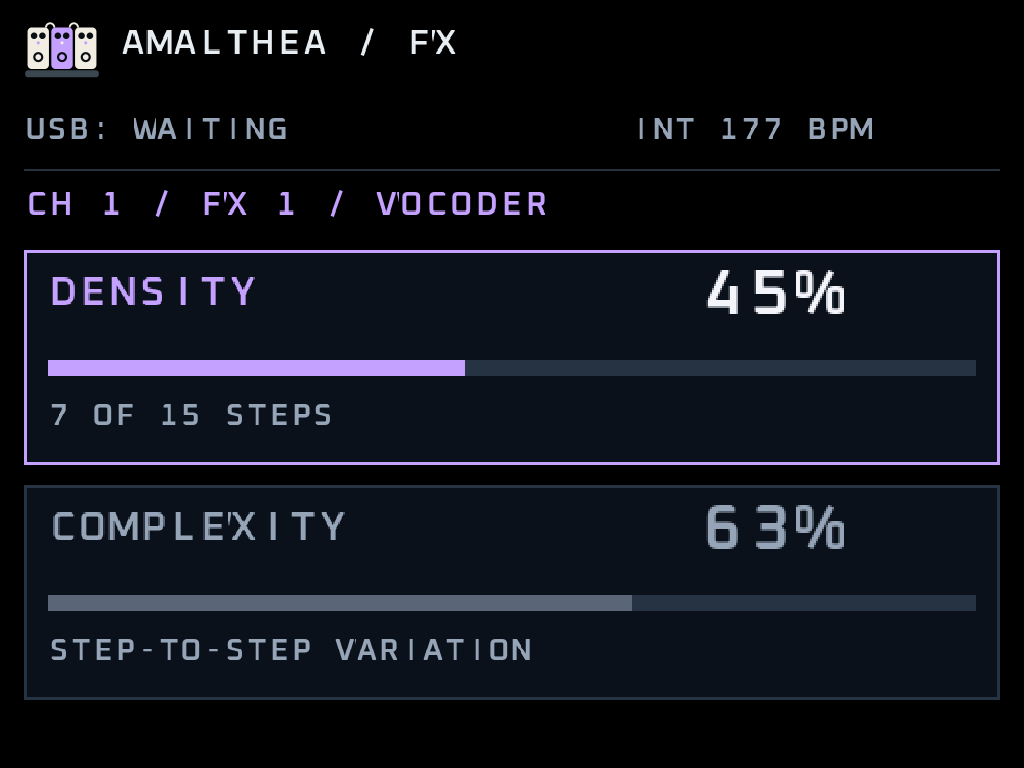
FX Rack
Generating a sequence
DENSITY and COMPLEXITY; hold X to generate triggers and locks.
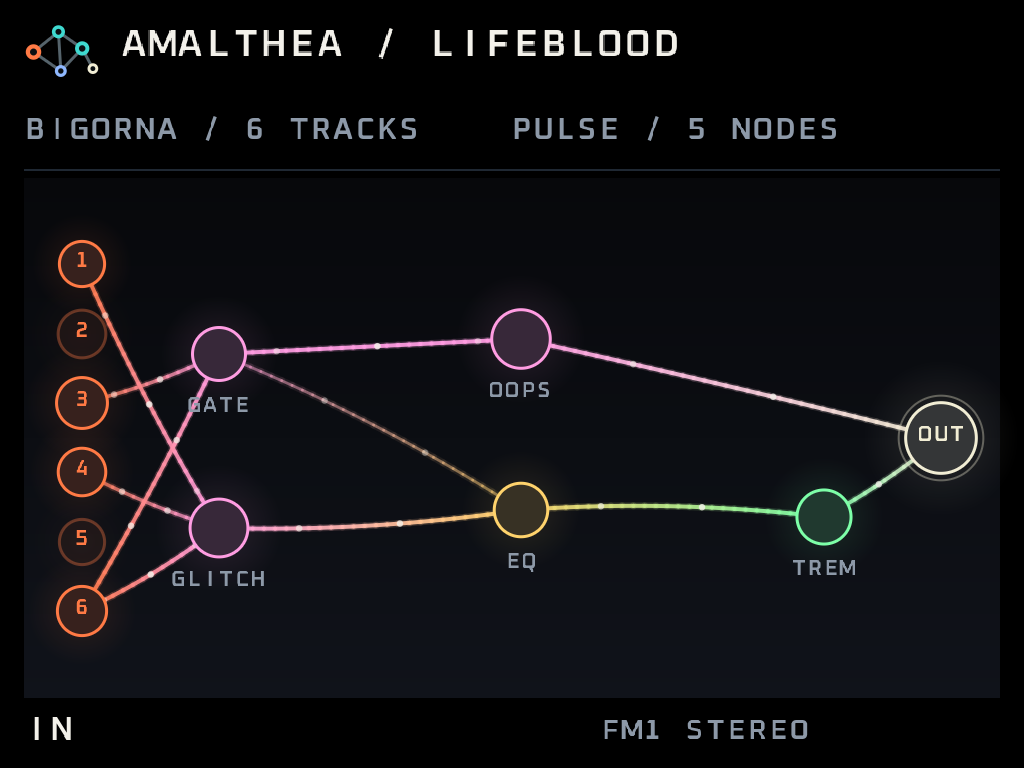
Lifeblood
The field
Six FM-1 tracks enter on the left; vessels carry them through five effects to OUT.
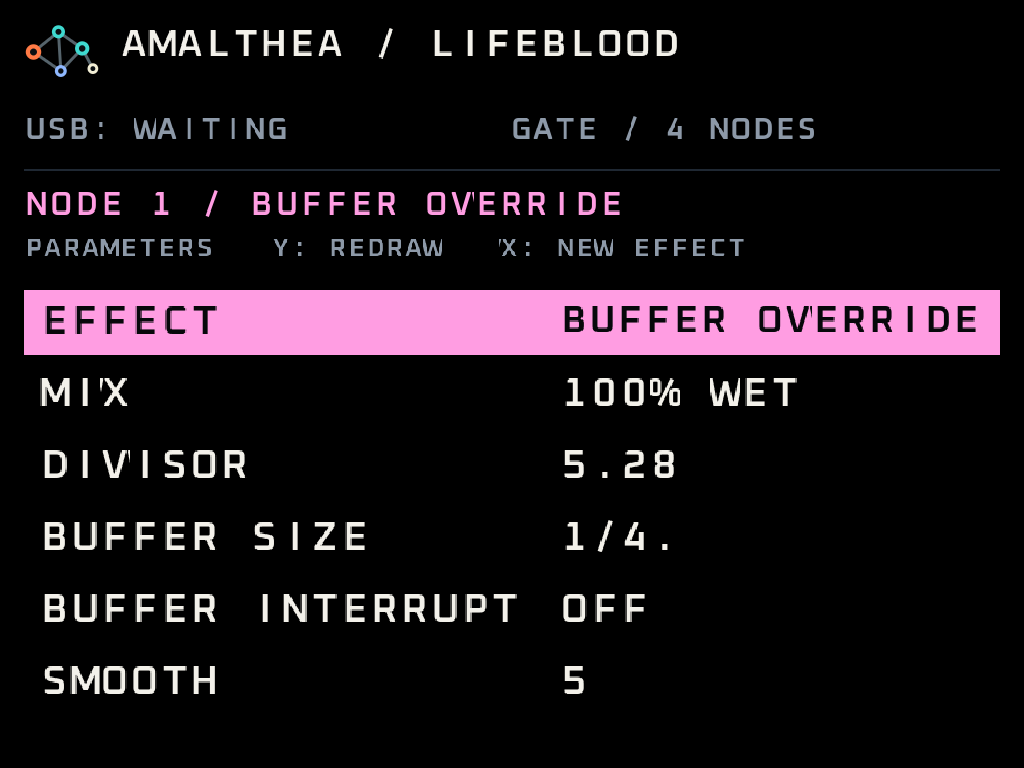
Lifeblood
A node
Its effect and parameters: X draws another effect, Y new values.
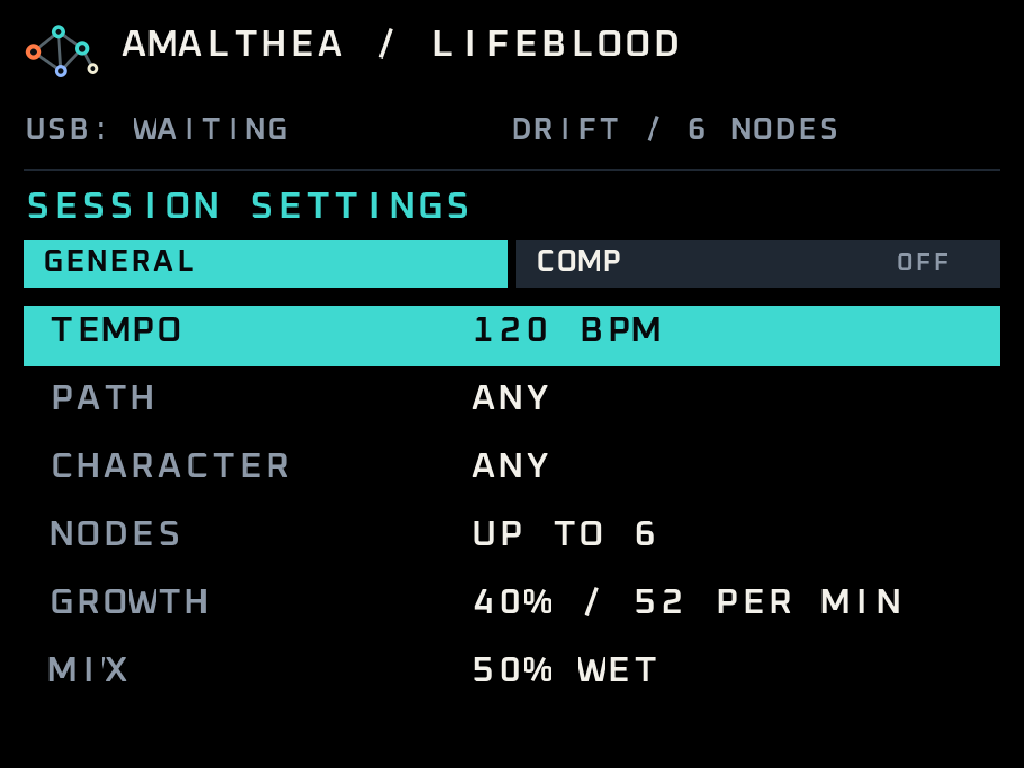
Lifeblood
Session settings
PATH and CHARACTER choose the recipe a network grows from.
Lifeblood
Compressor
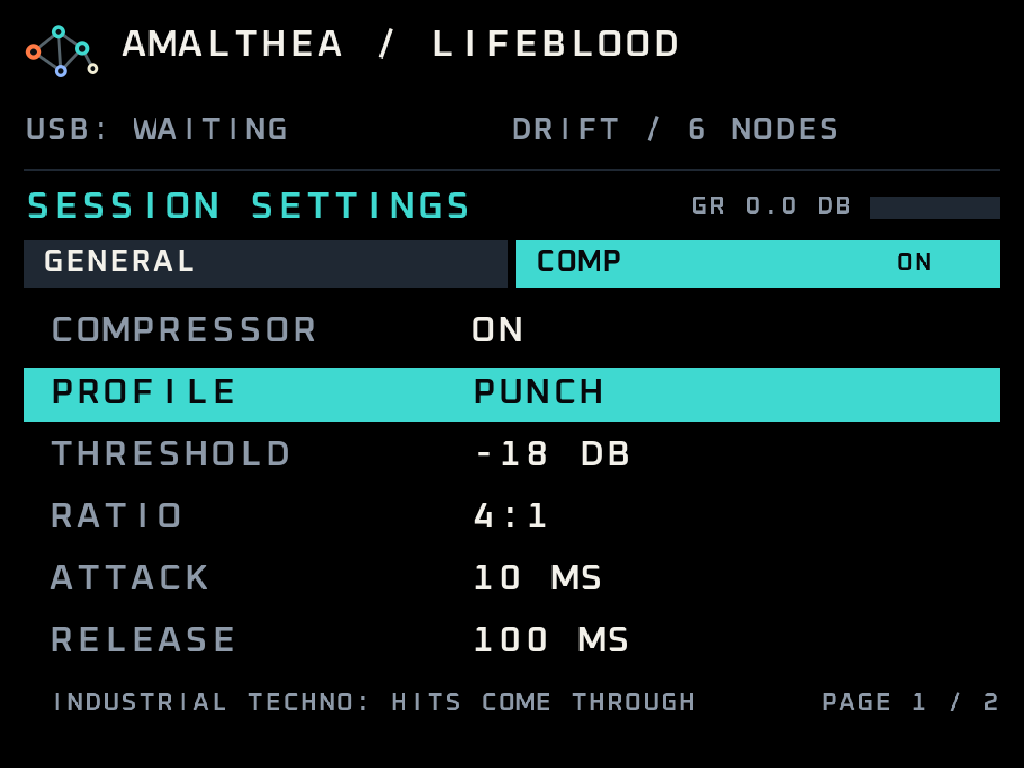
The COMP tab: a bus compressor with profiles, a sidechain filter, parallel mix and live gain reduction.
Lifeblood
EQ
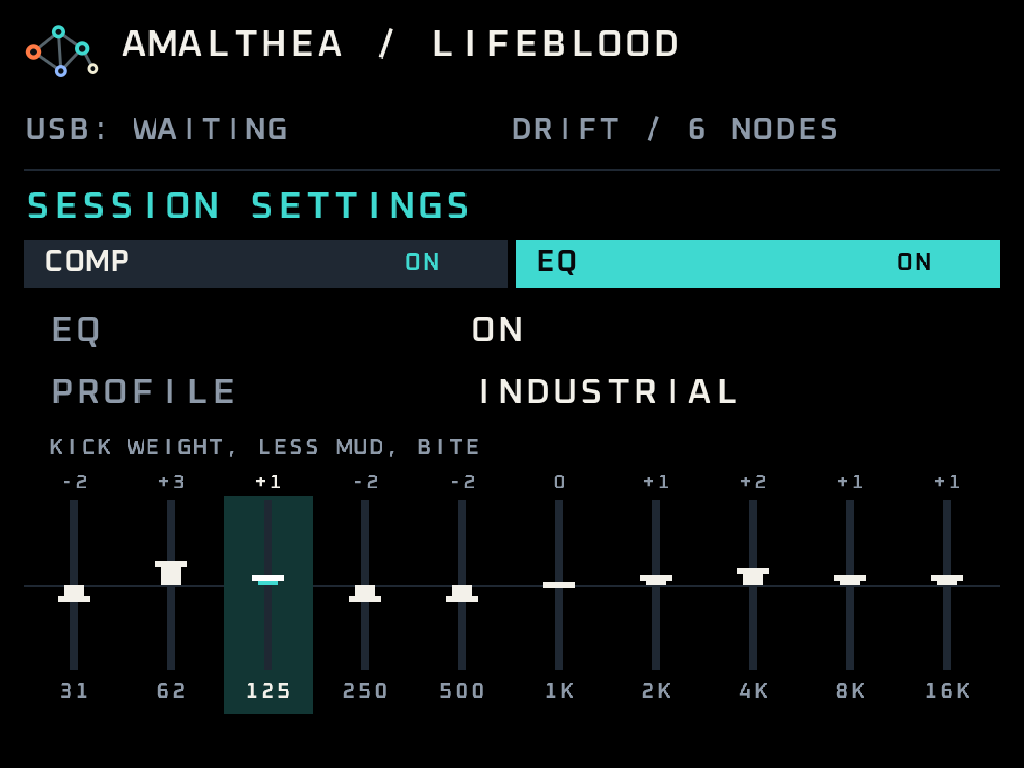
The EQ tab: ten bands, ±12 dB, with profiles; it comes before the compressor.
Lifeblood
Snapshots
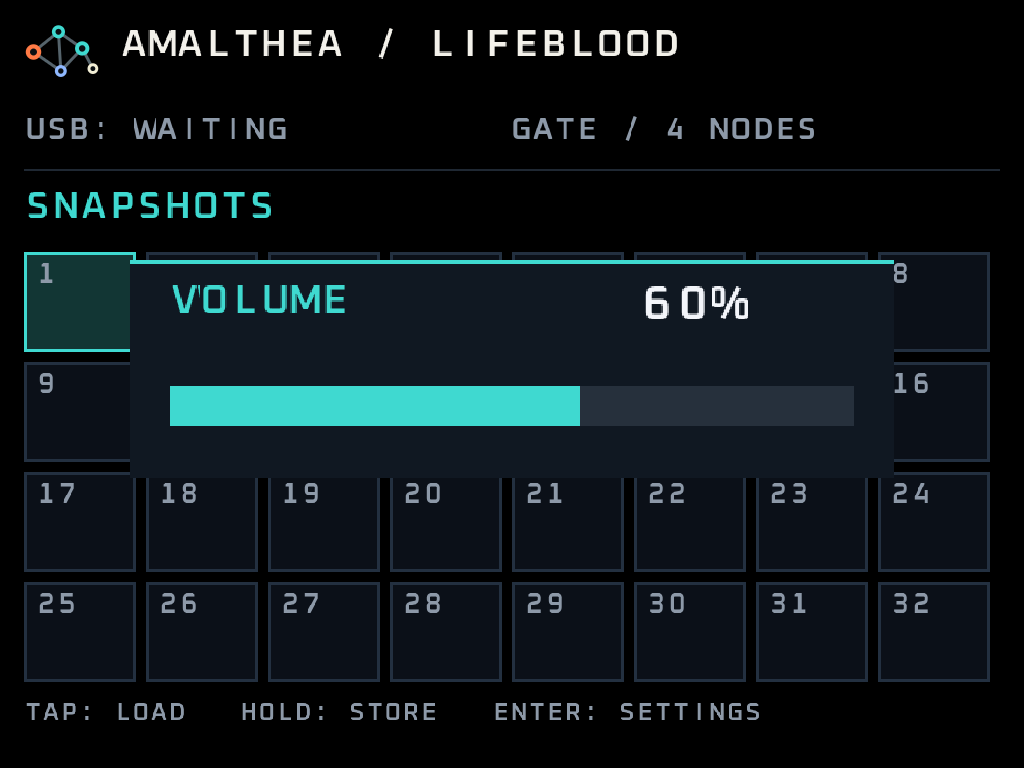
Thirty-two per session: tap Bank to recall, hold to store.
Amalthea
Power
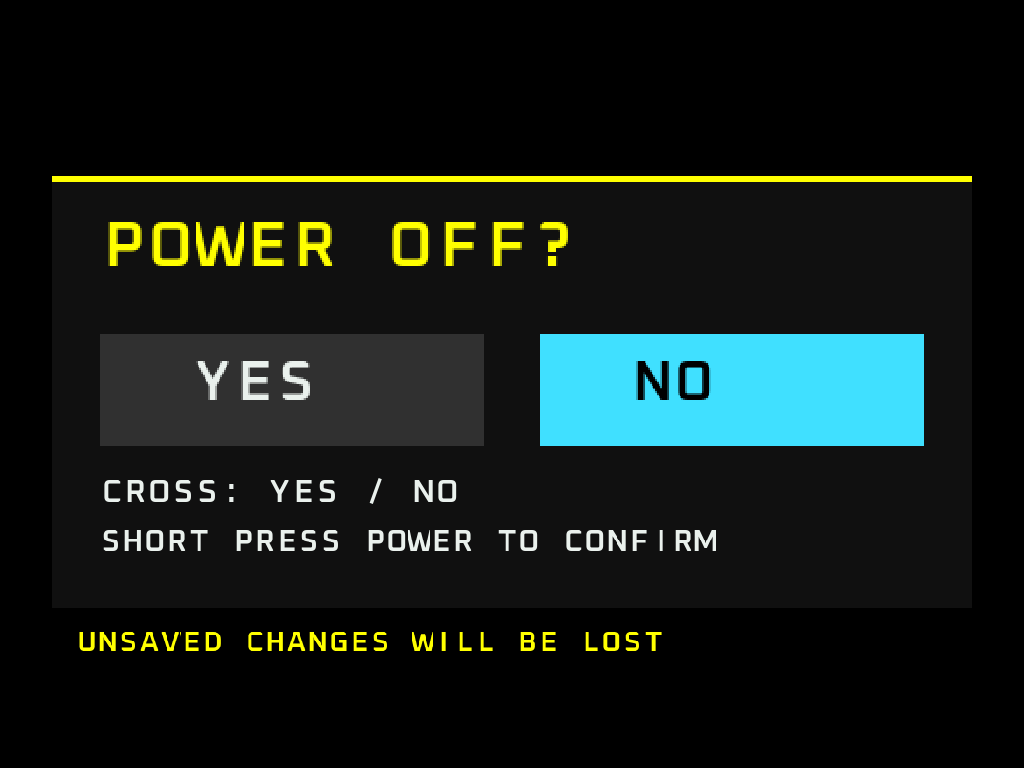
Hold Power and release: the prompt starts on NO, and warns about unsaved changes.